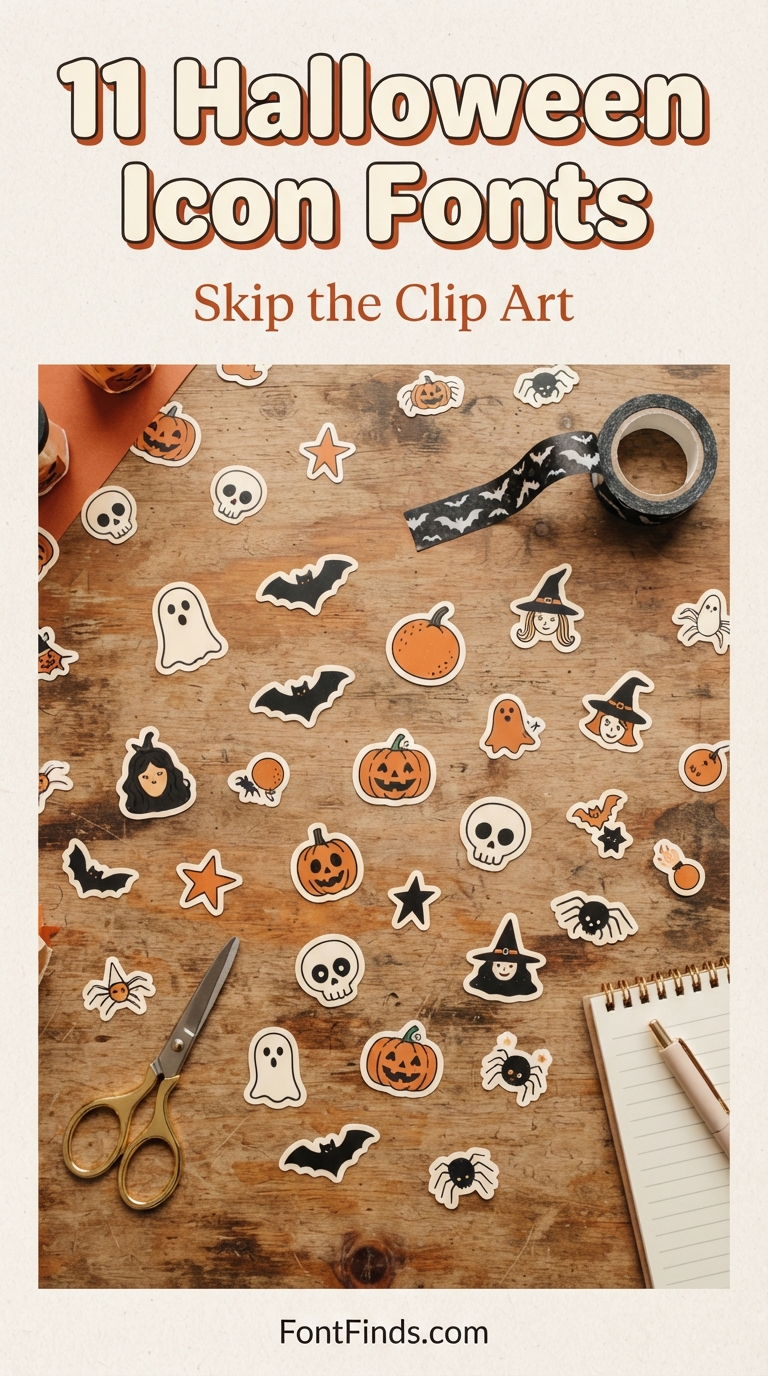
Buying a clip art pack means hunting through folders for the right PNG, dragging it in, resizing it, and repeating that for every graphic. Halloween icon fonts collapse all of that into a keystroke. Type the letter G and a ghost appears, already vector, already scalable, already the same visual style as everything else in the set. Here are 11 worth installing before October.
How Halloween Icon Fonts Actually Work
Step 1. Install the font file exactly like any normal typeface, through Font Book on Mac or the Control Panel on Windows.
Step 2. Open your design software and select the font. Nothing will look like text anymore.
Step 3. Type letters and numbers. Each key produces a different icon. The product page usually includes a character map showing which key gives which graphic.
Step 4. Resize freely. Because these are vector outlines rather than raster images, Halloween icon fonts stay crisp at any size, which matters for both large-format prints and cutting machines.
Where They Beat Clip Art
Consistency is the real advantage. A clip art bundle assembled from multiple illustrators produces graphics that never quite match. Every icon inside a single dingbat font was drawn by one person in one style, so a layout built from them looks deliberate. They are also dramatically lighter than PNG libraries, and because they behave like text, you can recolour every icon in a design at once by changing the font colour.
The 11 Fonts
1. Ghost Doodle
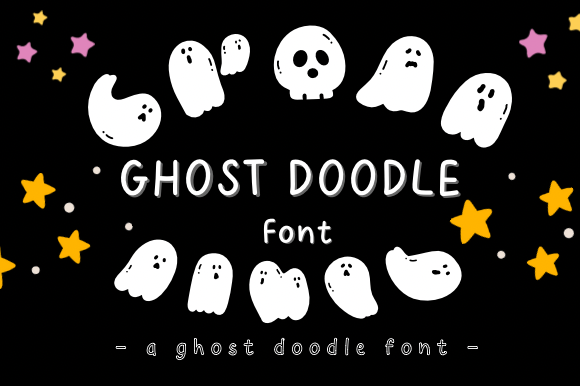
Ghost Doodle, the perfect font to add a touch of whimsical charm to your Halloween designs!
Get This Font →
2. Zumanie
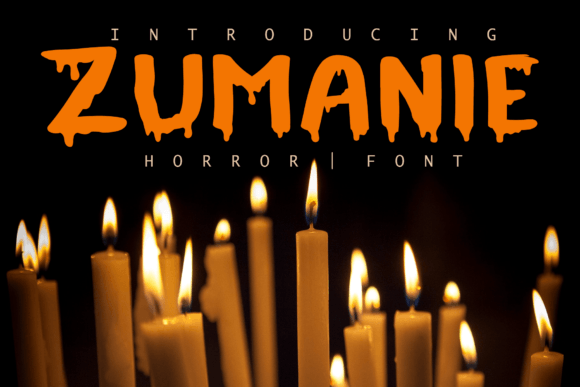
Zumanie is a modern and eerie decorative font. It’s great for crafters and designers. Compatible with tools such as Photoshop and Silhouette design studio.
Get This Font →
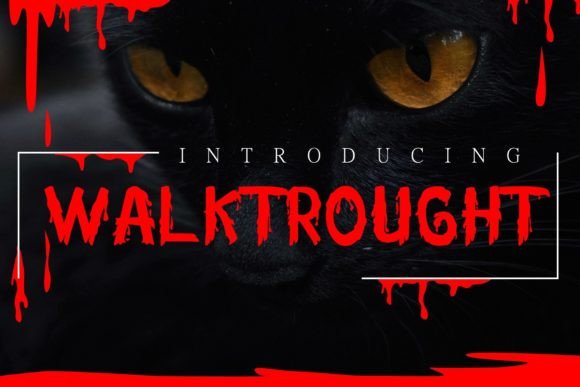
3. Walktrought
Walktrought is a modern and spooky decorative font. It’s great for crafters and designers. Compatible with tools such as Photoshop and Silhouette design studio.
Get This Font →
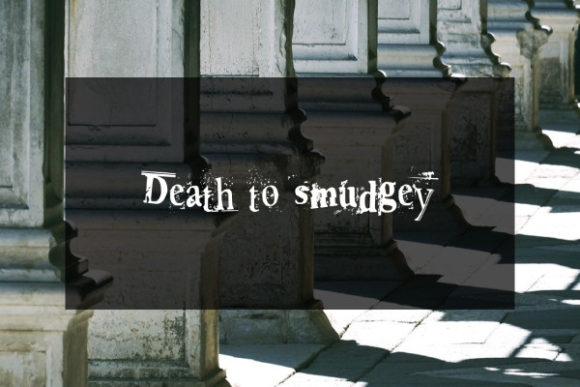
4. Death to Smudgey
Death To Smudgey is a superb decorative font that will help your work stand out with its inclined characters and smudgy appearance.
Get This Font →
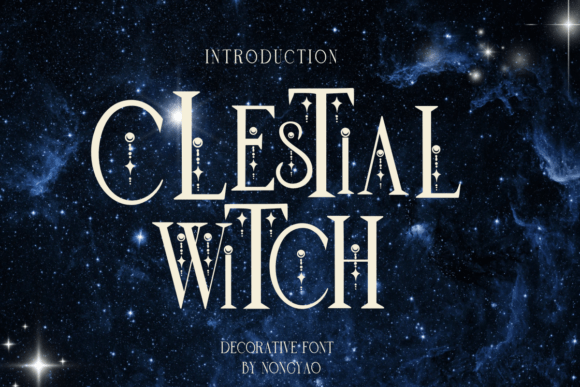
5. Celestial Witch
Celestial witch is a Decorative font You can use it for taking notes, writing a diary, or making greeting cards.
Get This Font →
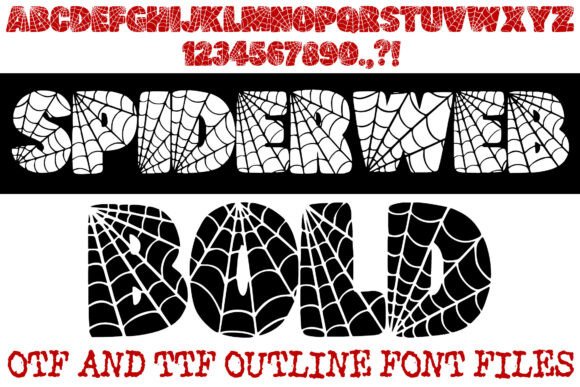
6. Spiderweb Bold
Spin a spooky web of creativity with the Spiderweb Bold Font!This high-impact display typeface is intricately designed with a built-in spiderweb pattern, making it the ultimate choice for Halloween party invitations, spooky branding, horror-themed apparel, and seasonal home decor.The font features thick, rounded “bubble” characters that provide excellent legibility while maintaining a playful yet eerie aesthetic.
Get This Font →
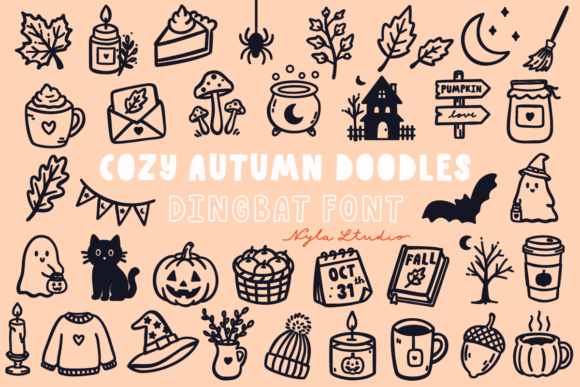
7. Cozy Autumn Doodles
COZY AUTUMN DOODLES is a playful and cute autumn and Halloween dingbats font.
Get This Font →
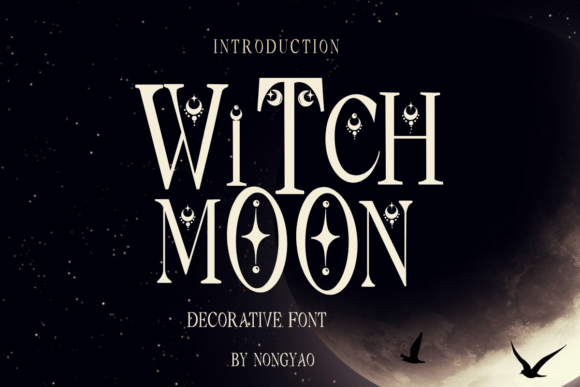
8. Witch Moon
Witch moon is a Witch moon You can use it for taking notes, writing a diary, or making greeting cards.
Get This Font →
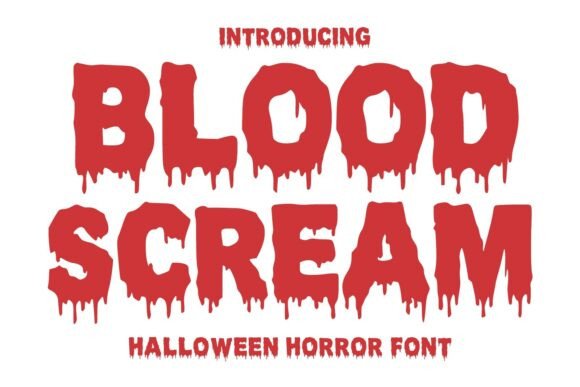
9. Blood Scream
Blood Scream is a creepy dripping horror font inspired by classic Halloween movies, bloody typography, and spooky monster themes.
Get This Font →
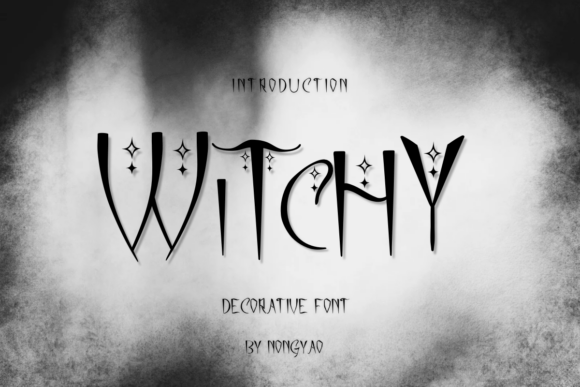
10. Witchy
Witchy is a Decorative font You can use it for taking notes, writing a diary, or making greeting cards.
Get This Font →
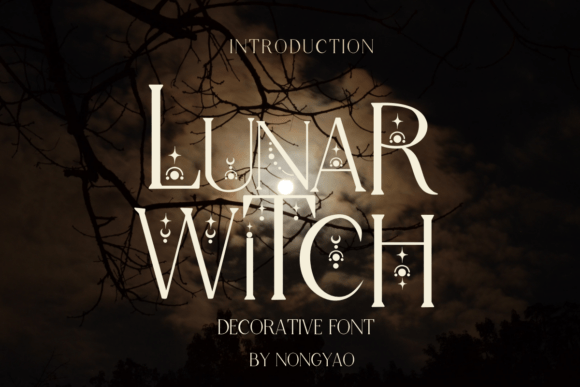
11. Lunar Witch
Lunar Witch is a Decorative font You can use it for taking notes, writing a diary, or making greeting cards.
Get This Font →
Working With Icon Fonts on a Cutting Machine
Most Halloween icon fonts cut cleanly on Cricut and Silhouette because they are single-colour vector shapes by design. Two things to watch: check that the icons you want are not so intricate that weeding vinyl becomes painful, and remember that decorative fonts with colour built in (OpenType-SVG) will not blade-cut without a separate black version. Product pages state which format you are getting.
Questions People Ask
What is the difference between a dingbat font and a decorative font?
Dingbat fonts replace letters with icons entirely, so they cannot spell words. Decorative fonts are still full readable alphabets that happen to have ornamental detail worked into each letter. This list contains both.
How do I find out which key produces which icon?
The product page nearly always includes a character map image. Failing that, Character Map on Windows or Font Book on Mac will show every glyph in the font.
Can I use Halloween icon fonts in Canva?
Yes, upload them as custom fonts with Canva Pro. Single-colour dingbats work reliably. Colour fonts need software that supports OpenType-SVG.
Are icon fonts cheaper than clip art bundles?
Usually, and you get more consistent results. One font file often replaces an entire clip art pack while staying editable and scalable.
More from our Halloween font series:
Browsing for more? The full Creative Fabrica font library is here →